
DVR Set CCTV Camera with different channel
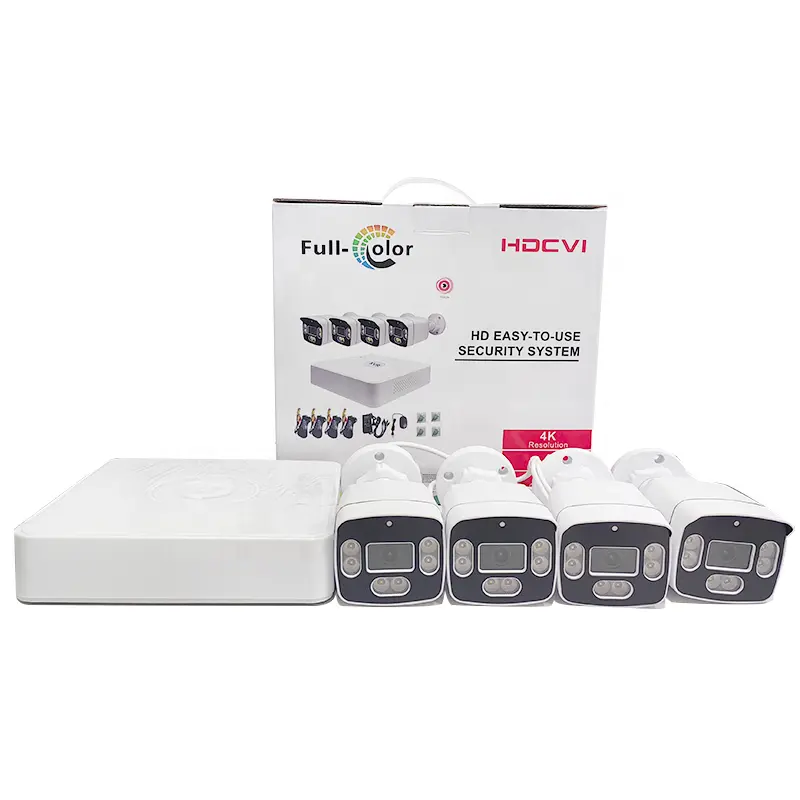
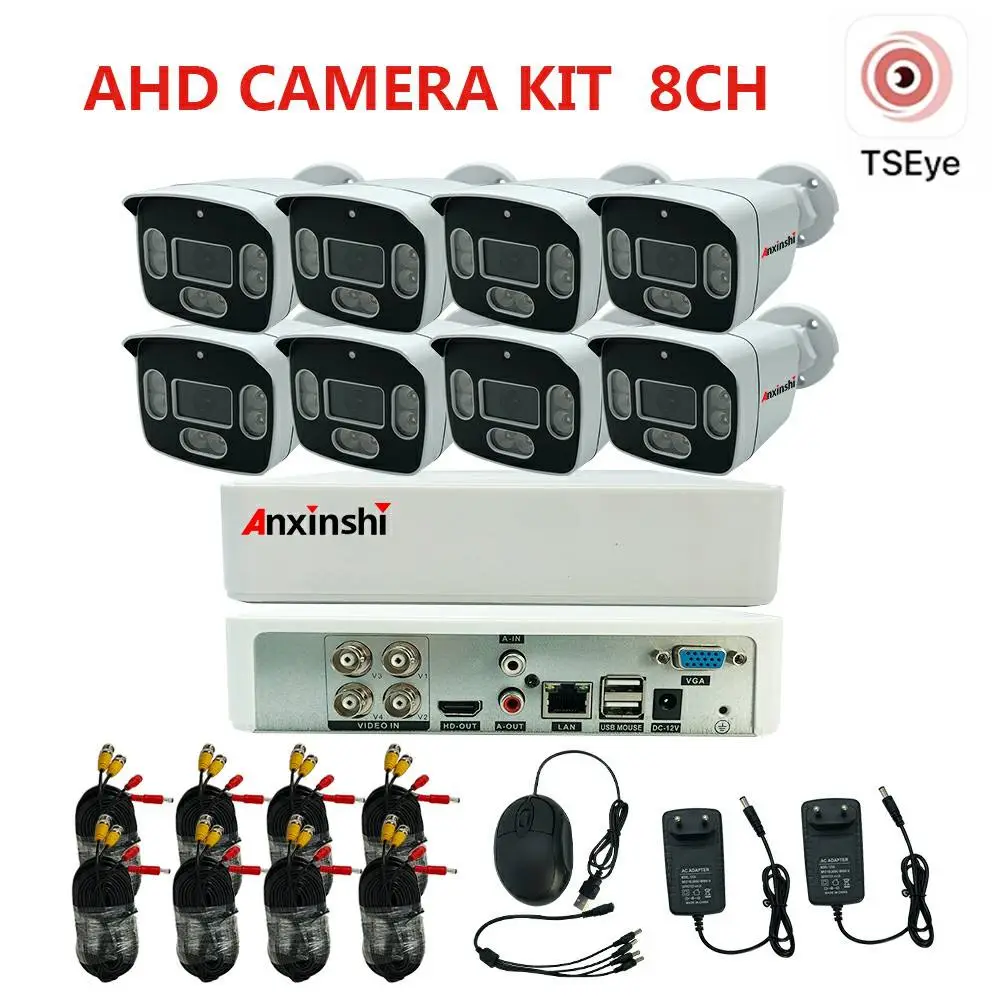
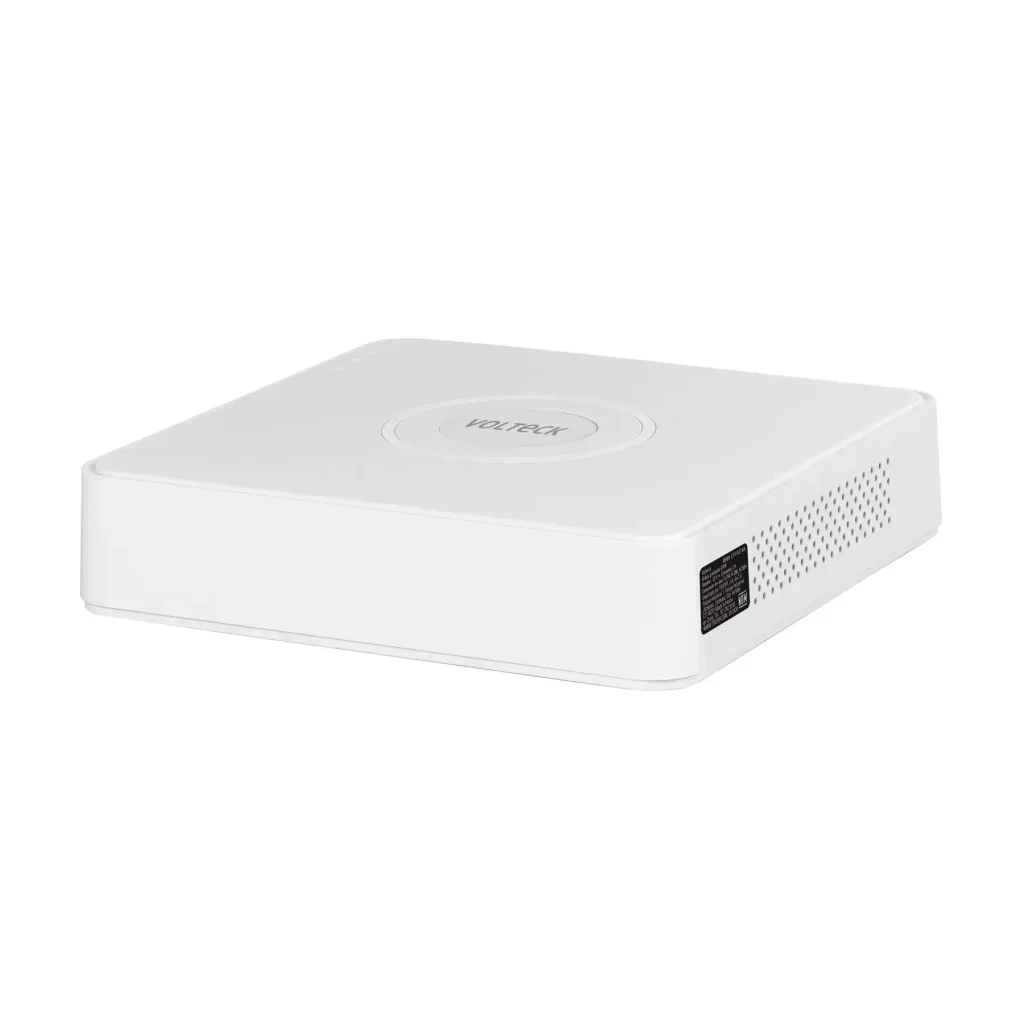
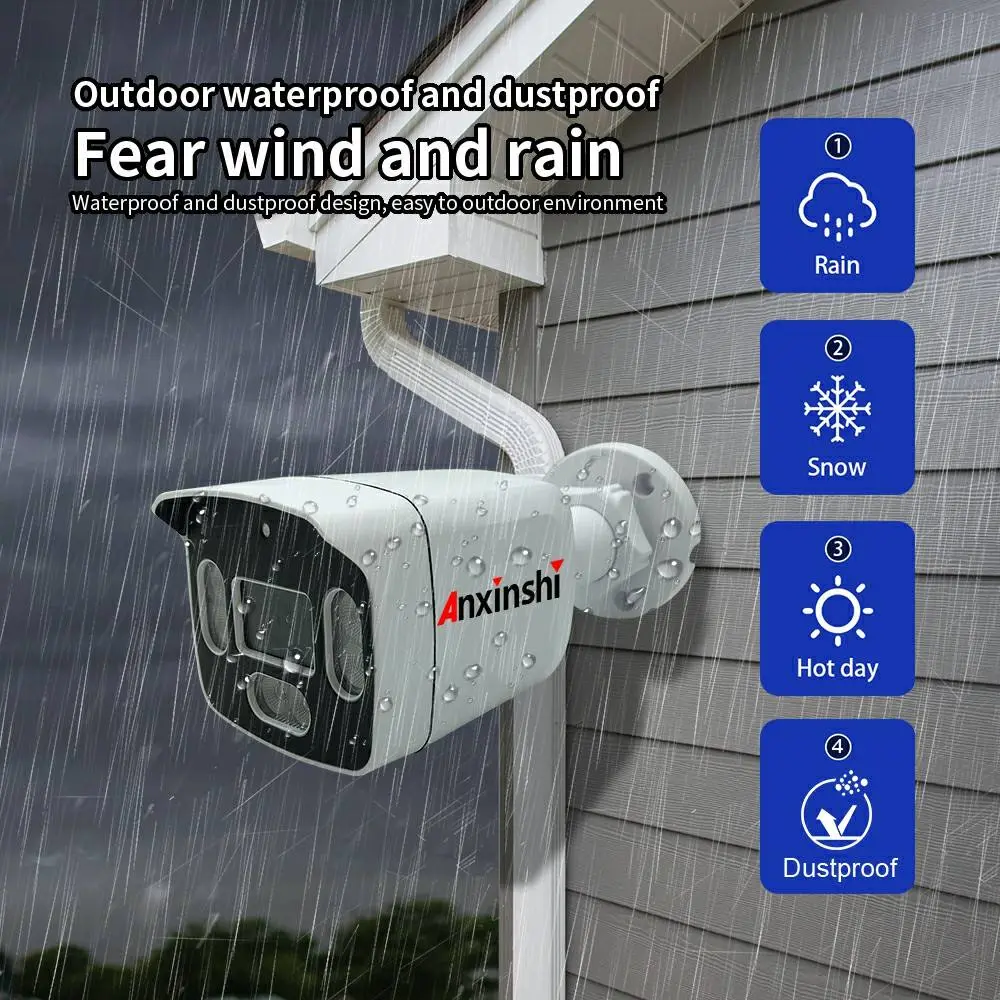
DVR CCTV Camera price in Nepal
Unlike wire-free cameras, a DVR CCTV camera system offers unmatched reliability, 24/7 continuous recording, and no risk of Wi-Fi jamming. But how do you choose the right one?
Here is your quick checklist:
Channels: Are you covering a small shop (4-channel) or a large warehouse (16-channel)?
Resolution: Look for at least 5MP (TVL) . Our DVRs support 4K analog cameras for crystal-clear ID shots.
Hard Drive: Never guess. We recommend 1TB for 7 days of recording on 4 cameras. Upgrade to 2TB for 30 days.
Remote Viewing: Ensure the system supports P2P or DDNS to watch your feed from your smartphone.
Why a DVR CCTV System Is Right for Your Business?
When building a security setup, the first choice is often between DVR (Digital Video Recorder) and NVR (Network Video Recorder). For many business owners, DVR CCTV cameras remain the most cost-effective and reliable solution.
A DVR system uses analog or HD-over-coax cameras connected via coaxial cable. Unlike IP-based NVR systems, DVRs do not compete for bandwidth on your office Wi-Fi or internet network.
How to Choose the Right DVR CCTV Camera Kit (Resolution, Channels & Storage)
Buying a security system online can feel overwhelming. To simplify your purchase, focus on three technical specifications: Resolution, Channels, and Storage.
1. Resolution (The Clarity Factor)
Do not buy anything below 2MP (1080p) today. Modern DVRs support 4MP, 5MP, or even 4K analog cameras. A 4MP DVR camera captures clear facial details and license plates at a 30-foot distance, whereas a standard 720p camera will look blurry.
Pro tip: Look for “HD-TVI” or “HD-CVI” technology, which allows 4K video to travel over old coaxial wires.
2. Channels (How many cameras?)
Channels refer to how many cameras the DVR can support simultaneously.
4-Channel DVR: Good for a small office, convenience store, or home.
8-Channel DVR: Standard for restaurants, boutiques, or small warehouses.
16-Channel DVR: Required for retail floors, gas stations, or car dealerships.
Important: Buy a DVR with double the channels you need today (e.g., buy an 8-channel if you only need 4 cameras now) so you can expand later without replacing the recorder.
3. Storage (How long you keep footage)
A DVR without storage is useless. Most kits include a pre-installed Hard Drive (HDD).
1TB HDD: Stores roughly 7-10 days of continuous recording for 4 cameras at 1080p.
2TB HDD: Stores 14-20 days for 8 cameras.
Look for H.265+ compression. This technology doubles your recording time without deleting old footage.
Final checklist for your cart: Ensure the kit includes a power supply, BNC cables, and a mouse. You should not have to buy cables separately.