
NVR Set CCTV Camera with different channel
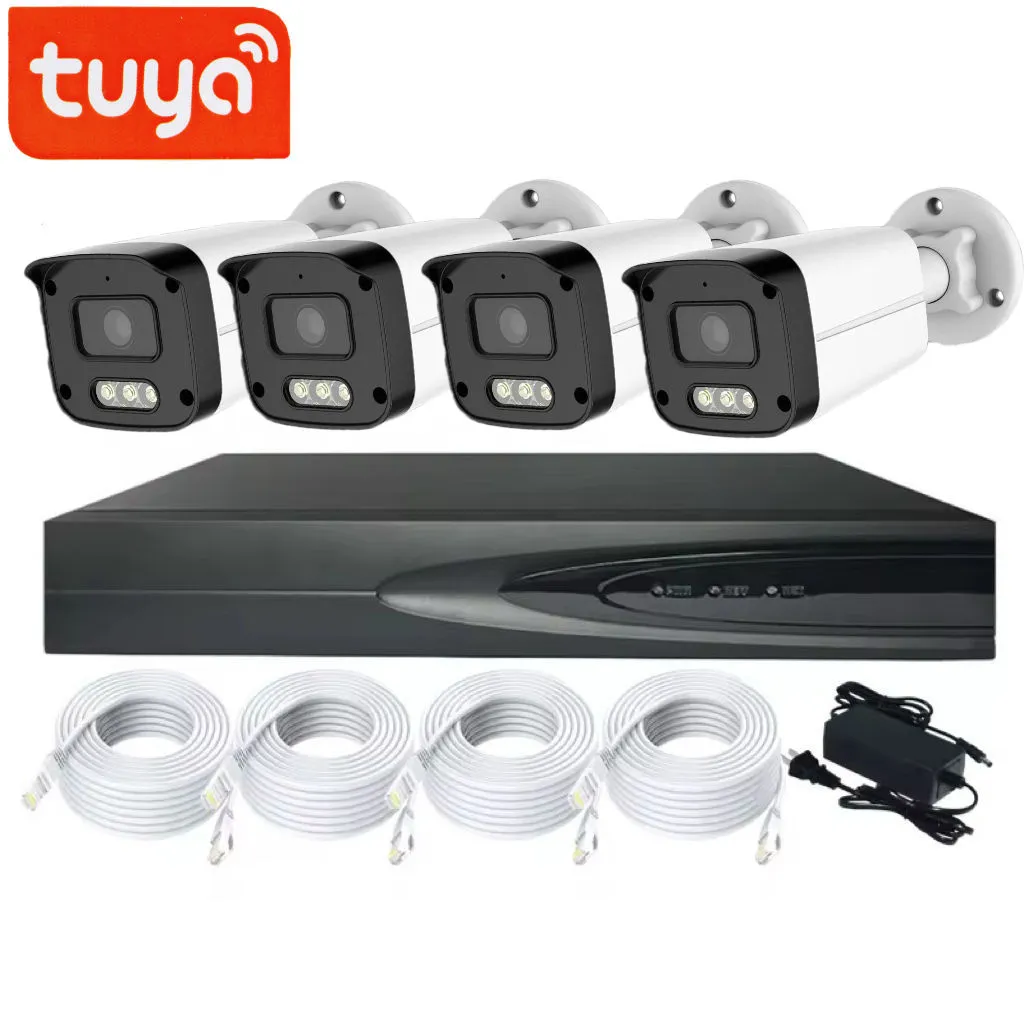
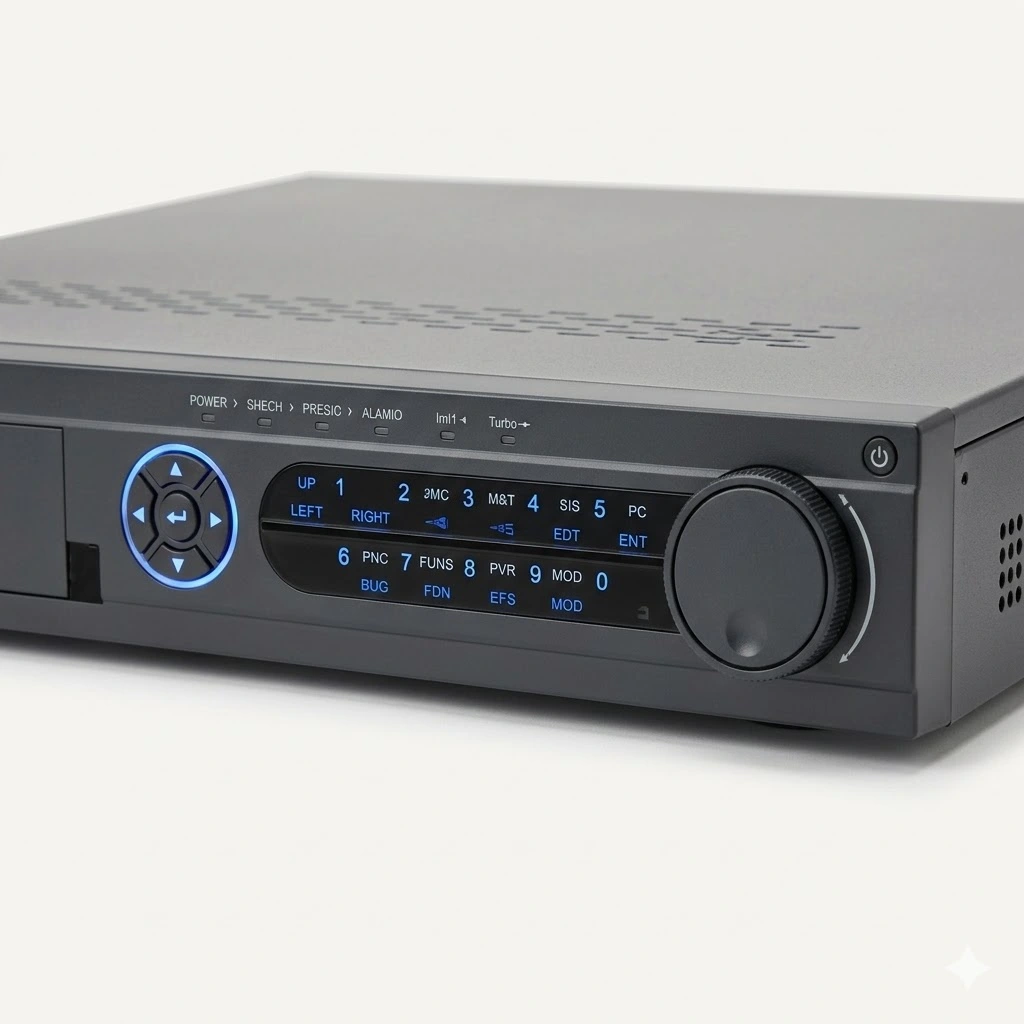
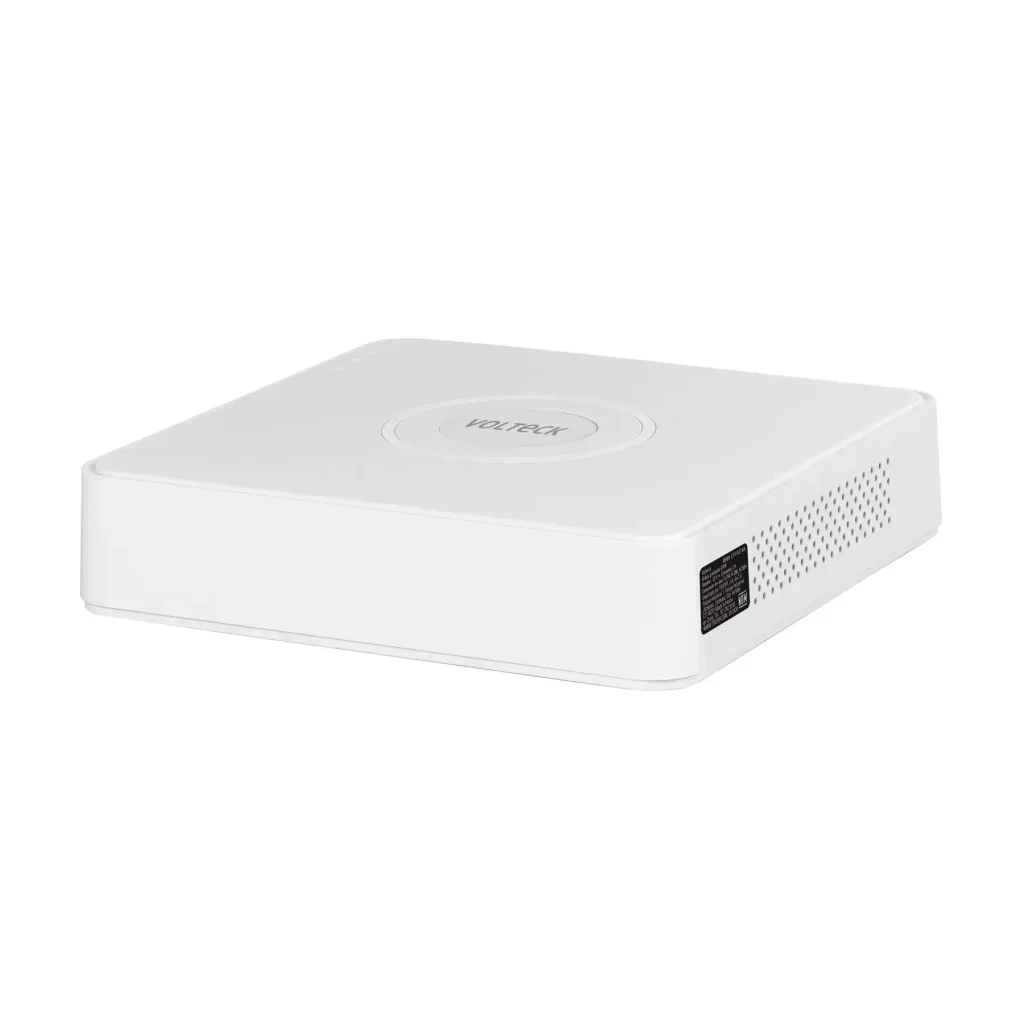
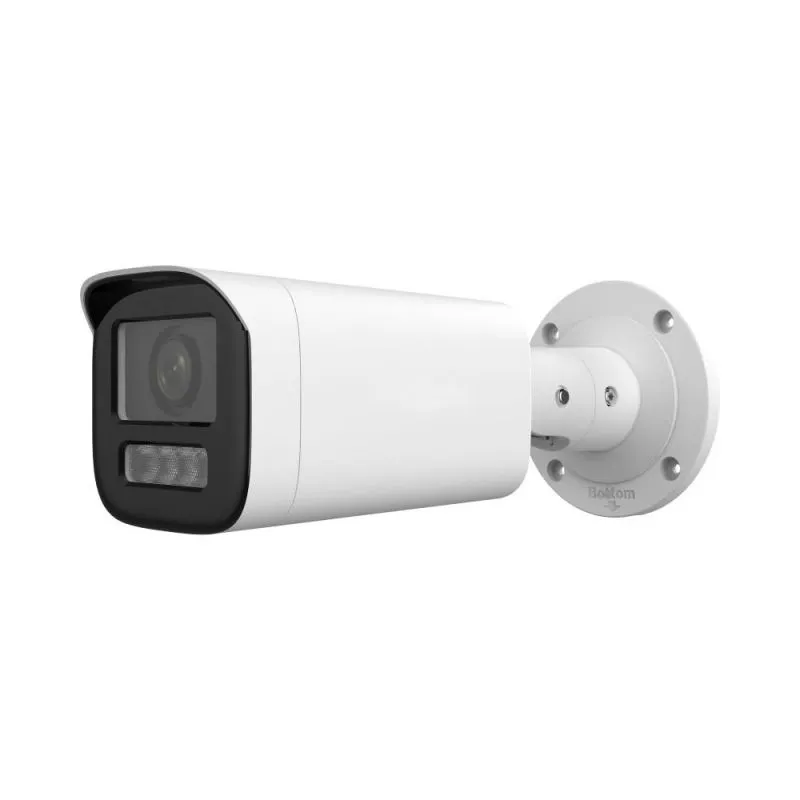
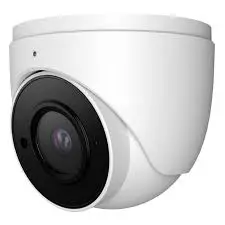
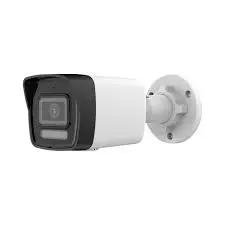
NVR CCTV Camera price in Nepal - 2026
When upgrading your surveillance system, the biggest decision is choosing between NVR (Network Video Recorder) and older DVR technology. For businesses and homeowners seeking crystal-clear resolution, AI features, and future-proofing, NVR CCTV cameras are the superior choice.
Why an NVR CCTV System Is the Smarter Choice for Modern Security
Unlike DVRs that process analog signals, an NVR system works exclusively with IP (Internet Protocol) cameras. These cameras capture high-definition video, encode it, and stream it directly to the NVR over a single Ethernet cable (Power over Ethernet or PoE). This means one cable carries both power and video, drastically simplifying installation.
How to Choose the Right NVR CCTV Camera Kit?
Shopping for an NVR system online can be confusing. To make the right choice, focus on four key factors: Channels, PoE Ports, Storage Capacity, and AI Capabilities.
1. Channels & PoE Ports (Plug-and-Play Simplicity)
Channels determine how many IP cameras your NVR can support. However, with NVRs, built-in PoE ports are equally important.
4-Channel NVR with 4 PoE ports: Plug up to 4 cameras directly into the NVR. Ideal for a small home, boutique, or office.
8-Channel NVR (4 PoE + 4 optional): Connect 4 cameras directly, plus 4 more via an external switch. Great for growing businesses.
16-Channel NVR: Designed for retail stores, schools, or large warehouses.
Pro tip: Choose an NVR with more PoE ports than cameras you plan to install today. PoE eliminates the need for separate power adapters at each camera location.
2. Resolution (4MP vs 4K vs 12MP)
NVR systems support much higher resolutions than DVRs. Do not settle for less than 4MP (1440p) in 2026.
4MP (1440p): Budget-friendly, sharp enough for small shops and home driveways.
8MP (4K): The sweet spot. Captures license plates and facial details up to 50 feet. Industry standard for professional installations.
12MP and above: Overkill for most homes but excellent for stadiums, parking garages, or wide-open retail floors requiring digital zoom after recording.
Important: Match camera resolution to NVR recording capacity. An 8MP camera needs an 8MP-capable NVR to record at full quality.
3. Storage & H.265+ Compression (How Many Days of Footage?)
Video quality means nothing if you run out of storage every three days.
1TB HDD: Stores 7–10 days of continuous 4K recording for 4 cameras using H.265+ compression.
2TB HDD: Stores 14–20 days for 8 cameras.
4TB HDD or SSD: For 30+ days retention on 16 cameras.
Pro tip: Always buy an NVR that supports H.265+ or Smart H.264+. This technology doubles recording time without deleting footage or sacrificing quality.
4. AI Features (Stop False Alerts)
The biggest frustration with older CCTV is false alerts from leaves, shadows, or insects. Modern NVRs solve this with on-device AI.
Person/Vehicle Detection: Only get alerts when a human or car enters a zone.
Face Recognition: Log known faces (staff, family) and flag strangers.
Line Crossing & Intrusion Detection: Get notified immediately when someone crosses a virtual tripwire.
Worth the upgrade? Absolutely. AI-powered NVRs turn your cameras from passive recorders into active security tools.
Final checklist before adding to cart:
NVR has enough PoE ports for your planned cameras
Includes a pre-installed HDD (or budget for one separately)
Supports H.265+ compression
Cameras match NVR resolution (e.g., 4K camera with 4K NVR)
Mobile app (iOS/Android) is free and user-rated 4+ stars